Saturday, January 31, 2026

Gatherings

Hello friends,

The new Palette Paper series has been a catalyst to my last few projects, and today is no different! What started as a simple exercise in using the 12 x 12" Palette Red evolved into a project that I truly love-a perfect trifecta of paper, fabric, and vintage. If you’ve been looking for a way to bridge the gap between your paper stash and your fabric bin, the Palette series might just be the common thread you've been waiting for.
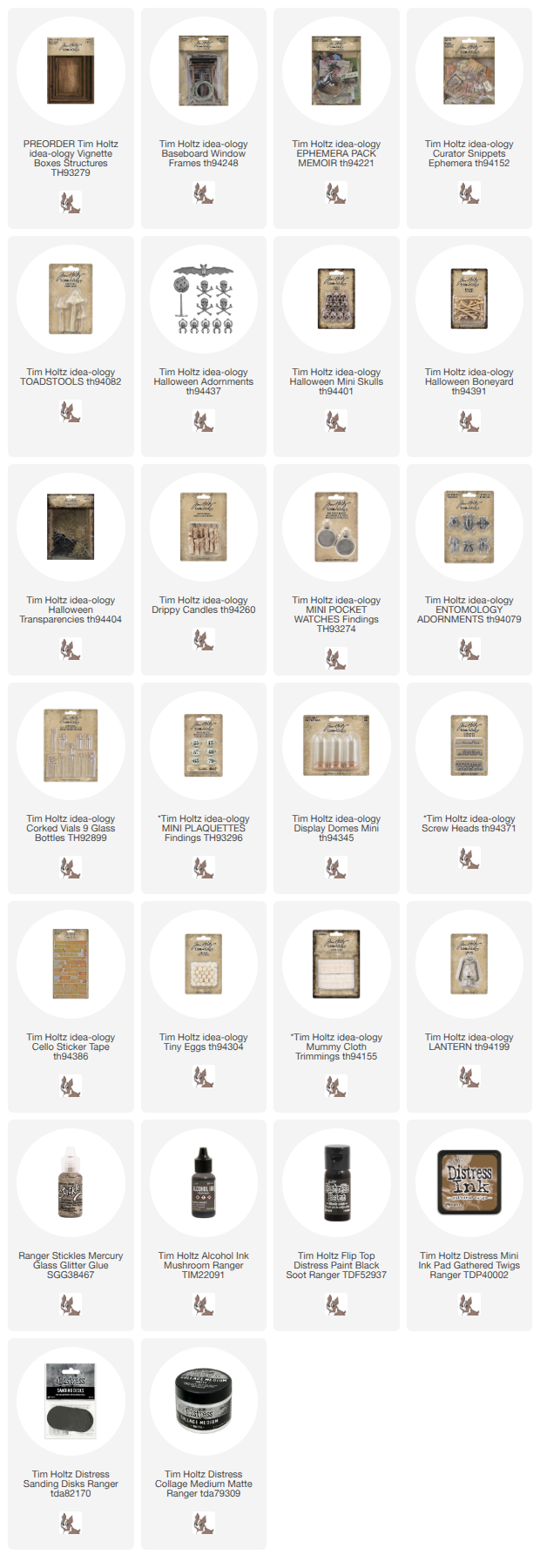
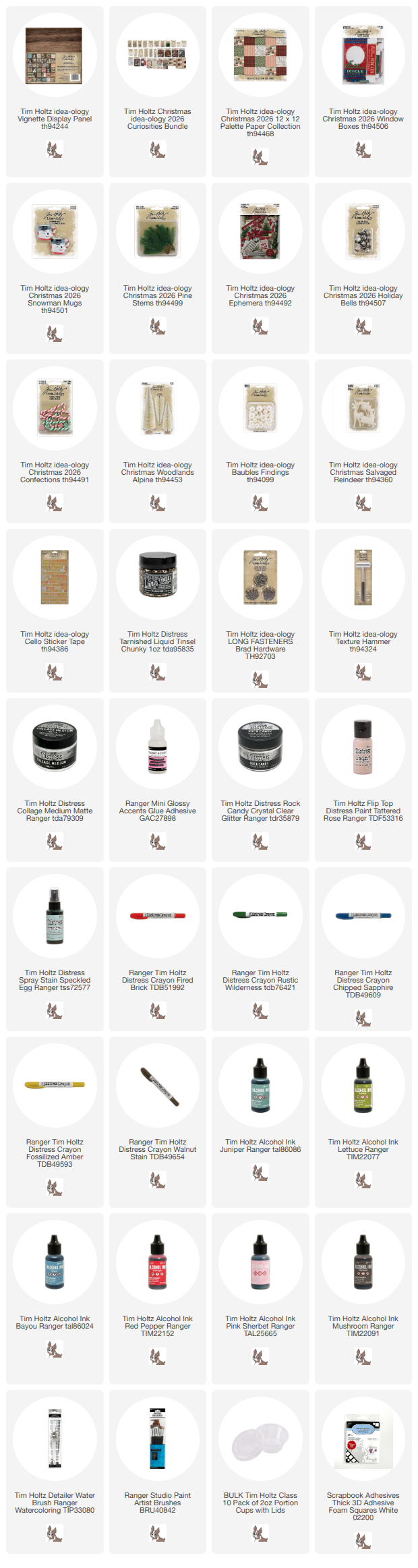
Starting with an idea-ology Display Panel, I used Collage Medium to add Palette Red paper to the inside of the panel. I also added a layer over the top so I can add Walnut Stain Distress Crayon once it is dry. The red stamp paper is so fun here and looks great as the back panel.
That is just what I am doing here. I scribbled the crayon on the sealed paper and with a damp brush I just keep moving it around till I get the effect I want.
The last step is to pounce over the crayon with a wet wipe to get rid of any brush marks or areas that are too dark.
I moved on to the sides of the panel, again cutting the strips from the red Palette paper.
Design Tape Trim was added to the lip edge of the panel. I like to add Collage Medium on the lip edge before added the tape for longevity. And I love the contrast of the black tape!
So lets move on to the inside of the Display Panel.
Cut a 9 1/4 x 9 1/4" piece of fabric (I'm using a favorite fabric-Palette Indigo Ledger) + a matching piece of cotton batting.
Stitch the fabric to the batting, then trim the edges. If you don't have a sewing machine, you could use use Collage Medium to adhere the fabric to the cotton batting.
I also cut a 9 x 9" piece of heavy chipboard. Once the center piece is complete, it will be added to the heavy chipboard with Collage Medium.  I want the center to stand up and away from the red stamped background, so I plan to add bingo chips (or some other kind of riser) to the back of the chipboard before placing into the Display Panel. But for now, I need the fabric panel to be flexible so I can add the sewn elements.
Here is the finished center panel. Well, almost. I added pearls to the large key after I took the photo (there is a photo below of that addition). Everything here was either added with Collage Medium or hand stitched to the panel, except for the vintage French Marking Tape, I used my machine.
Lets talk about the individual pieces.
I colored the little bird from the Adornments Sweetheart pack with Foundry Wax. I squeezed out a dime size portion, then used a small brush to paint the bird (work fast). I heated the Foundry Wax with an embossing gun, then let it cool. The Distress Crayon was added to bring out the details.
I added a Curator Snippets Label to a skinny Corked Vial, along with some faux pearls that I colored with Mushroom Alcohol Ink. This is where the little bird will end up - fastened to the neck of the vial with string.
I also shortened a piece of ephemera from the Memoir ephemera pack. I liked the roses, but the piece was too long for what I needed. I cut the piece in half on the left side of the three roses. Then used that piece to make a new left end.
As for the photo image - this is from the Photomatic pack. You could easily substitute a family photo if you wanted. I tinted my Photomatic with Distress Crayons, using Aged Mahogany for her cheeks, Stormy Sky and a touch of Rustic Wilderness for the background.
I also colored the small flowers from the Field Notes Ephemera pack with crayons (because why not?). Crayons like a slick surface so I painted Collage Medium over the image before adding the crayon. This time I used Detailer Water Brushes to add the tiny brush marks.
Putting it together just meant gathering things from idea-ology and a few vintage items from my collection to make something unique. As you can see I added more ephemera from the Memoir ephemera pack (blue card) and a tiny label (Field Notes Snippets) to the top. I used a needle and thread to stitch the card down. The Photomatic image was added, along with the roses and the word Sweetheart from the same Adornments pack as the bird.
There is a small idea-ology Deco Frame with the flowers I painted and a few vintage buttons and pink tatting lace.
I added the tiny gold bird to the neck of the bottle with some string, then secured the Corked Vial with light blue thread.
On the left, I added the French Marking Tape by stitching on my machine (but it could also be added by hand).
Then a small painted Salvaged Heart was added with Collage Medium. Once dry, I stitched on the three vintage buttons, leaving messy threads for texture.
The large key was colored with the same Foundry Wax as the bird, then rubbed with Distress Crayon to age the gold once it was cool to the touch. I also stitched it to the fabric panel.
I threaded a needle and made a stitch next to the the top of the key. Then I added faux pearls (about 4 or 5) and made another stitch into the fabric. I drew the needle up and added about 4-5 smaller pearls, then made another stitch in the fabric to secure.
I am so happy with the way this project turned out. The Palette Indigo Ledger fabric is the perfect foil to the bold red background. I could have continued to add paper and trinkets to the fabric panel but I decide to let the fabric shine, rather than covering it up. I'm glad I did!
What will you make with the new Palette Papers?

Now carry on,
paula


Tuesday, January 27, 2026

Correspondence Tags

Hello friends,

Happy to be here to share another make using the new Simon Says Stamp Wafer Dies that coordinate with the Stampers Anonymous stamp set, Correspondence. Since we are heading into February, I thought I'd go with a Valentine theme by using the red and pink papers of Palette as a jumping off point.
As I said, I used both red and pink Palette papers for the collaged backgrounds. I had lots of little pieces left from my last project (8x8 scale) so I decided to use up the scraps by creating collaged backgrounds on Ranger #8 tags. Use Collage Medium to add the papers (there is no wrong way to do that). Once dry, I sewed along the lines for some added texture. If you are not a sewer, then just skip that step.
I stamped and cut all the images from the Correspondence stamp set that had Wafer Dies. I did not end up even using them all in my tags. But gosh it was so EASY to use the Wafer Dies to cut all these shapes (can you imagine trying to cut the stars along the top of the wings)? One million times better than using scissors! 
I used different colors of Archival Ink to stamp the images. Here, the images were stamped with Ground Espresso. I also used a Detailer Water Brush and Distress Crayons to color a few of the images.
I also added Clipping stickers and Cello Tape to each. All the hearts were cut with a die from the Love Notes (Sizzix) set using Kraft Stock Sparkle for a bit of shine.
I love this tag project because anything goes. You could add more or less, you could use a family photo, and any color scheme would work. And with Tag Envelopes from Simon, you can slip a #8 tag in and mail it right out! A great way to say, I remember you! ...Thank you for being my friend! ...I love you!
Now carry on,
Paula

Saturday, January 24, 2026

The Art of Thinking

Hello friends,

I have a fun project to share today! I’m diving back into a classic with The Inspector stamp set, but giving it a major upgrade using the brand-new matching Wafer Dies.

The Inspector has always been a fan favorite, but Simon Says Stamp has officially upped the game. These all-new wafer dies are designed specifically for this set, meaning no more fussy cutting—just perfectly crisp edges that take your projects from 'handmade' to 'pro' in seconds. To show them off, I’ve used the largest Vignette Square Box to create a dimensional scene that really lets The Inspector shine.

As you can see on the right, the die set cuts many of the basic pieces. It also has added dies to cut out several layers like his googles, the ring and clocks on the gauge, and the body of the lamp.

To get started on the Vignette Box structure, I added neutral paper from the Backdrops #4 paper pack. This is a small box so you can cover the inside with one sheet of Backdrop paper. I also added Collage Medium over the top of the paper to seal it. Now, you could set the box aside to dry naturally... but if you’re impatient like me, a heat tool is your best friend. 
You might use Design Tape to cover the lip edge of the square Vignette, but I decided to just paint it for a rustic look. If you get any paint on the inside, just wipe it off. NOTE: Since the paper is sealed with Collage Medium so you can easily wipe any excess paint away with a wet wipe.
Once the paint is dry, sand the painted edge with a sanding block to give it an aged appearance.
For the outside of the Vignette, I chose the stamp print from the 8x8 Palette Red paper pack. Adhere it just as you did on the inside, Collage Medium under to adhere and over the top to seal.
For the inside:
I stamped the images from The Inspector with Archival ink. The Inspector was stamped with Black Soot and the gauge with Hickory Smoke. I also re-stamped the gauge with Embossing ink and embossed with Ranger Superfine Embossing Powder (gold). That gave me the layering pieces for the gauge.  
All the coloring was done with Distress Crayons and fat brush (that can hold water) from the Ranger Paint Brush set. Hickory Smoke and Stormy Sky Distress Crayon were used on the gauge.
His glasses are Fossilized Amber and the jacket and hat are Uncharted Mariner. Much easier to see the layering in this shot!
I also wanted to use a few Industrial Gears in the background so I added Long Fasteners to the center of each gear, then smashed it with the Texture Hammer. I painted the gears with Speckled Egg Distress Paint and let dry. Then I rubbed Black Soot Distress Paint over the top of the Speckled Egg. The last step was to sand a bit with some steel wool to bring back some of the metal.
Everything I cut out or worked on was added to the Vignette Box using Foam Squares and small wood blocks to raise the inspector from the Vignette.
I added the Clippings sticker, "the Art of Thinking" to the Inspector, as well as Sprocket Gears and string to the bottom of the box.
I also added a Figure Stand that I painted in black and white + a little Mushroom Alcohol Ink.
I also added the die cut piece, "Strictly Hand Made", to the top of the box after coloring it in with Lumberjack Plaid Distress Crayon. I think it makes the perfect finish.
The new Simon Says Stamp Wafer Dies are a total dream to use. I can’t tell you how much I appreciate skipping the fussy cutting! It made creating this fun, layered effect so much faster and gave the whole project such a polished look.
Now carry on,
Paula

Monday, January 19, 2026

It's all Perspective

Hello Friends!

I'm here today sharing a make using one of the new Wafer Dies from Simon Says Stamp. The four new SSS Wafer dies coordinate with Tim Holtz stamp sets and I couldn't be loving that more! It makes cutting the shapes of stamps so very easy! And...I love that they even incorporated the torn edges of the Field Notes stamps. 

I started by stamping the Field Notes images in Archival Ground Espresso on Distress Watercolor Cardstock. Then cut out the images with the new wafer dies. 

I used a Detailer Water Brush and Distress Crayons to color in some of the images and backgrounds. I just scribbled the crayon on my glass Studio mat then picked up the color with a Detailer Water Brush - that was so relaxing just sitting and coloring!

Once the coloring was done, I added the pieces to an Etcetera Tag that had I covered in paper from the new 8x8 Palette Orange pack.
Even though it is had to tell, some of the pieces are raised with Thin Foam Squares, like the Collect piece, the butterfly at the bottom and the red postmark at the top. 
White paint was added to a Large Hinge Clip. It was added to the top of the tag with some inked string and a sentiment from the Small Talk sticker book.
The sentiment at the top goes with the the second one so that it reads, "It's all perspective, everything has beauty".
I used Thin Foam Squares to the add the transparent bird at the bottom. The last thing was to add Cello Tape stickers over a few pieces so it looks taped together. Gosh, I sure love that stuff!
Well that is it for the first project using the new SSS Wafer Dies and Tim Holtz stamps. I'll have a project using another set in the next week or so, so stay tuned for that!

Now carry on,
Paula